David Callé
on 11 May 2017
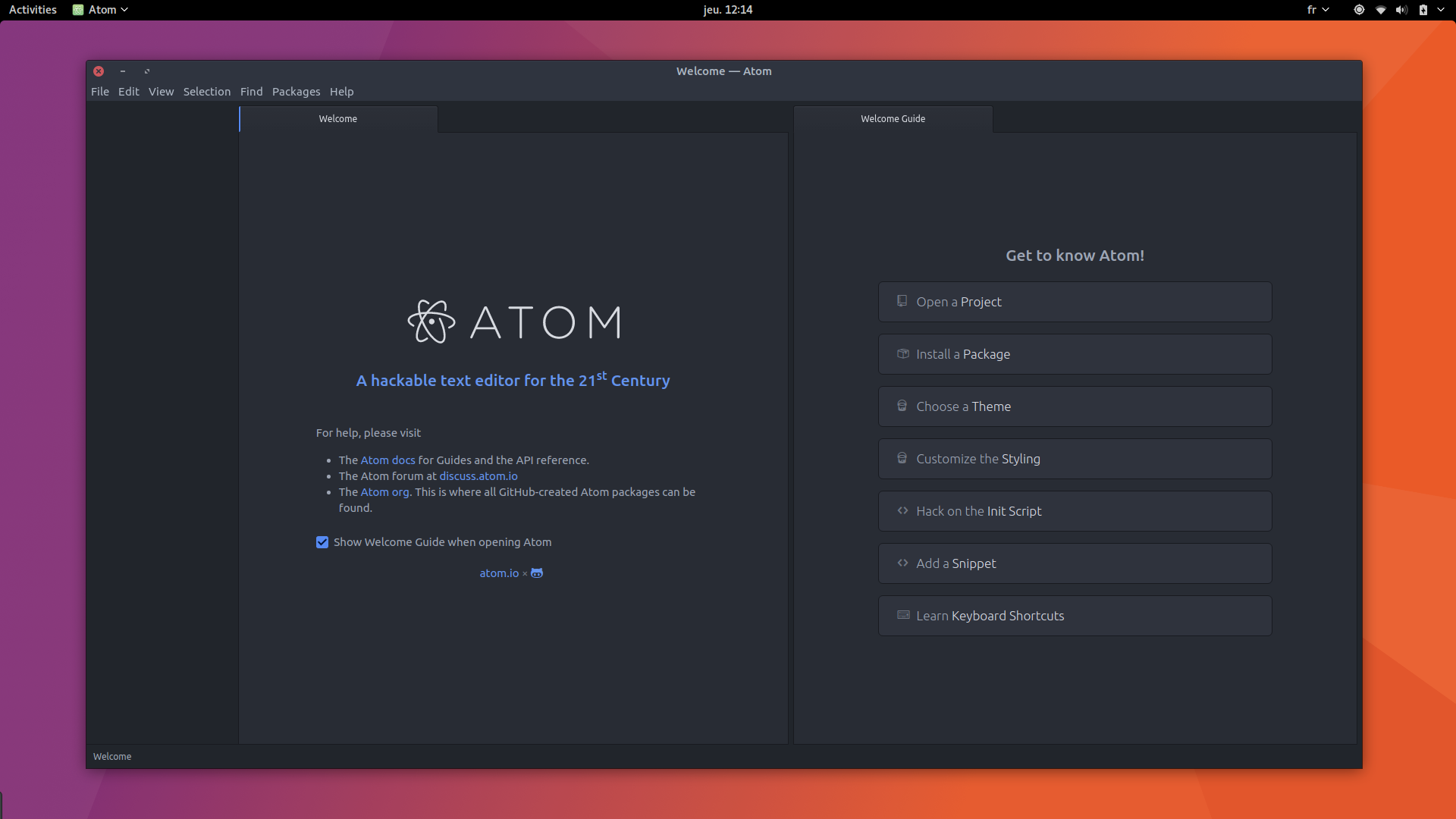
There’s a new desktop snap in the Snap store: Atom.
The hackable editor, backed by GitHub
Launched in 2014, Atom has been rapidly adopted by a large community and is considered one of the top language agnostic code editors. It offers a constantly growing library of 6 000+ addons for all purposes, from themes to IDE features.
To install Atom as a snap:
sudo snap install --classic atomAtom has most of the features you can expect from a modern code editor, such as project trees and autocompletion. It also comes with git integration, a built-in package manager, a file-system browser, multiple panes and a versatile find and replace function that allows you to replace strings in multiple files and across projects.
Open source and built on the cross-platform Electron framework, it provides deep introspection into its own code and is well suited for customization, allowing incredibly useful extensions such as git-time-machine or todo-show.
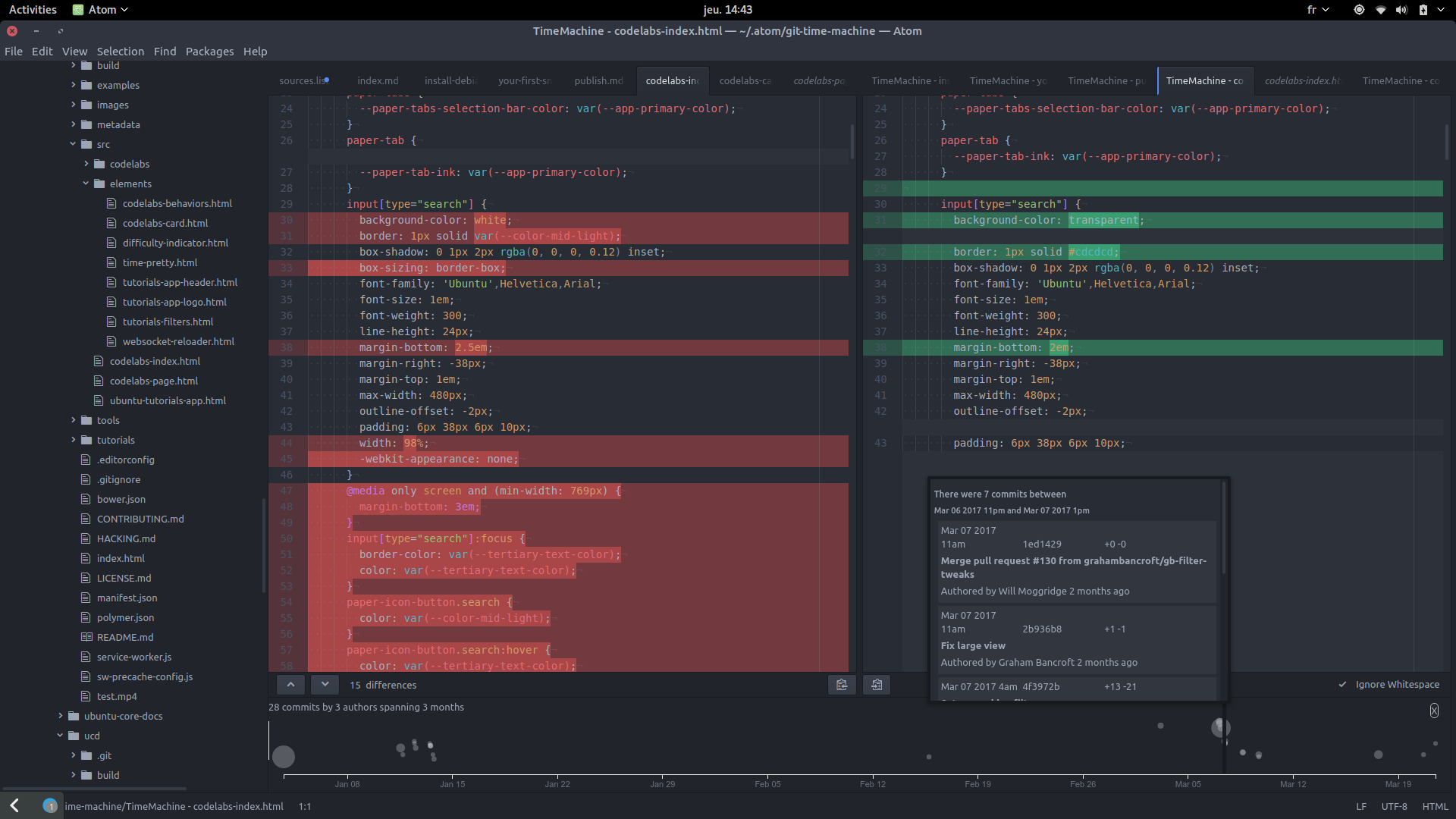
The git-time-machine extension draws a bubble chart of the git file history at the bottom of the panes and lets you navigate the timeline of changes.
Enabling availability
So why does it make sense to have Atom packaged as a snap? Snaps mean simple installation and update management, without affecting the application: everything works as expected, including extensions.
It also means that when software vendors make them available, it’s easier to access the beta version of their app or even daily builds. In practice, this snap makes the latest version of Atom easily installable and auto-updatable for Ubuntu 14.04, 16.04 and newer supported releases, goodbye 3rd party PPAs and general package hunting.
What’s in a classic snap?
You may have noticed that Atom is a classic snap (as seen in the snap install command with the --classic flag), which means it’s not strictly confined. Classic snaps are a way to start snapping complex software that has not been built with relocation in mind. When snaps under strict confinement consider /snap/core/current/ as the root of the file system, classic snaps use /, as most legacy packaged app would do, therefore they can read and write in the host file system and not only in their dedicated confined space.
Here is an introduction to snaps confinement modes: